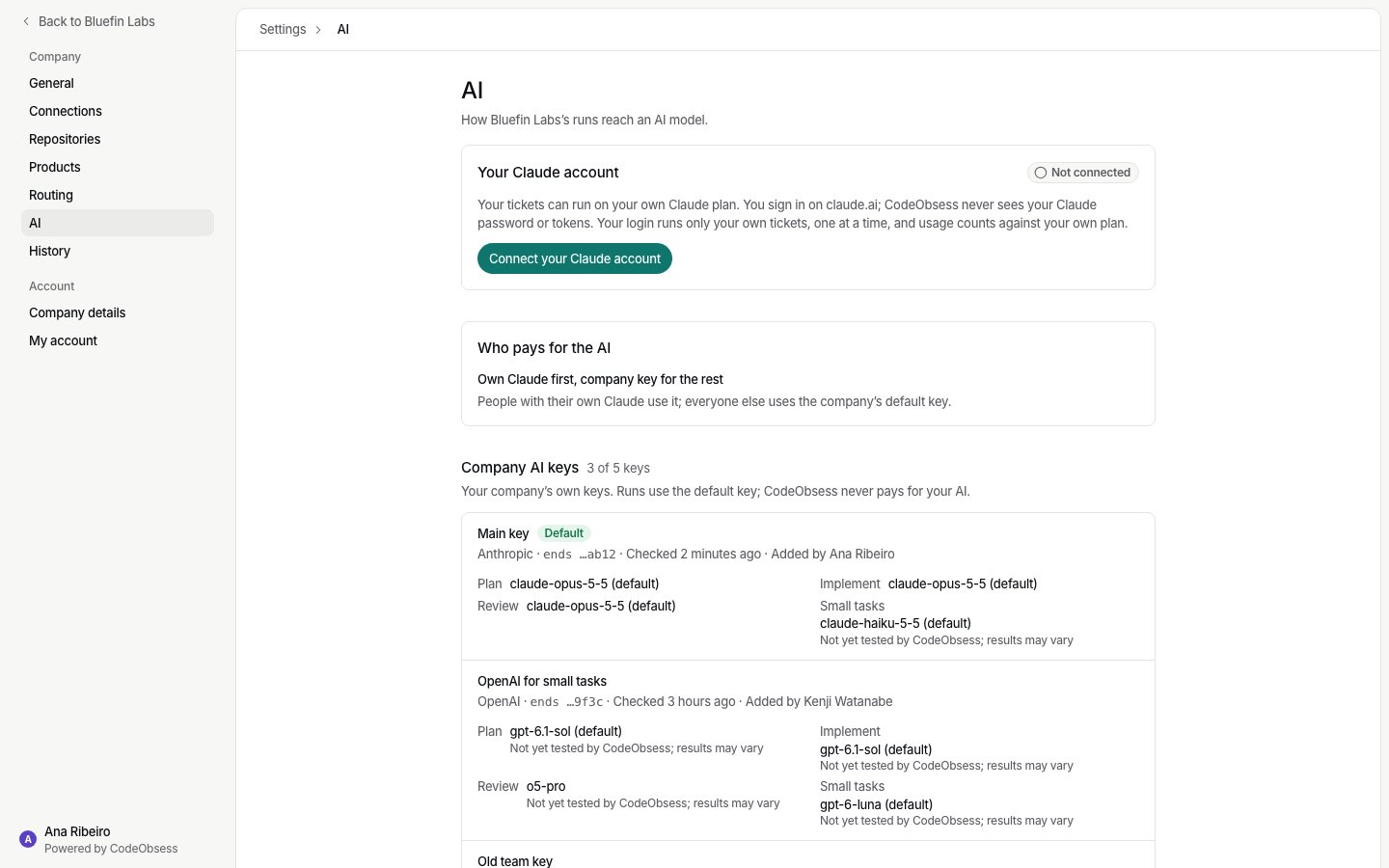
Owners and admins change the mode. To choose Company key for everyone, add a key that passed its check first.
Whose AI, exactly
- A ticket runs on the AI of the person who asked.
- A teammate’s reply on someone else’s ticket runs on the teammate’s own AI.
- Anyone in the company may stop a run.
- The AI column on Tickets shows Own plan or Company key for each ticket.
When no AI is available
If the person who asked has no AI to run on, the run doesn’t start. The ticket says why and what fixes it:- Claude account not connected: they connect it on Settings › AI. See Claude not connected.
- No company AI key: an owner or admin adds one on Settings › AI.