Open the plan
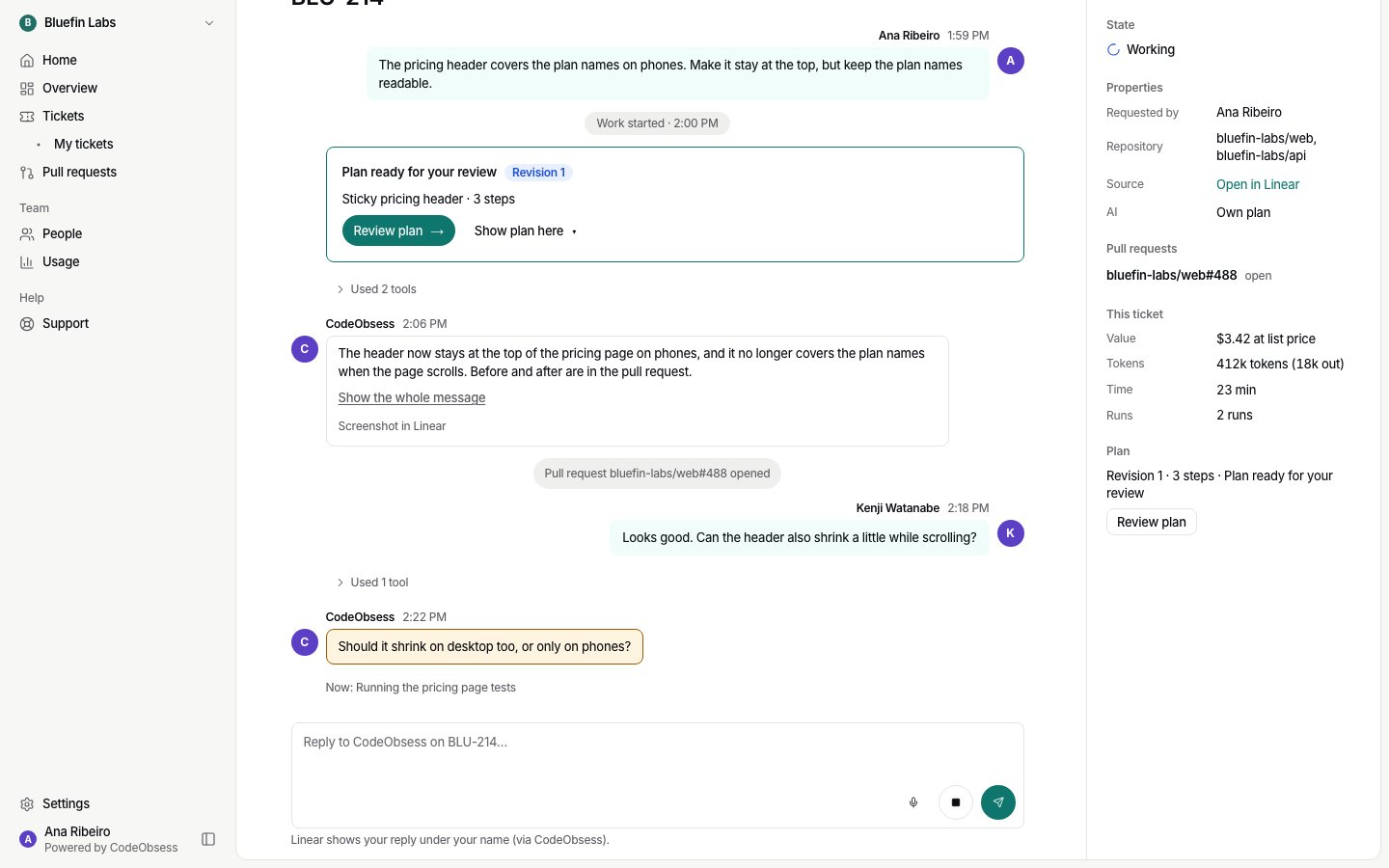
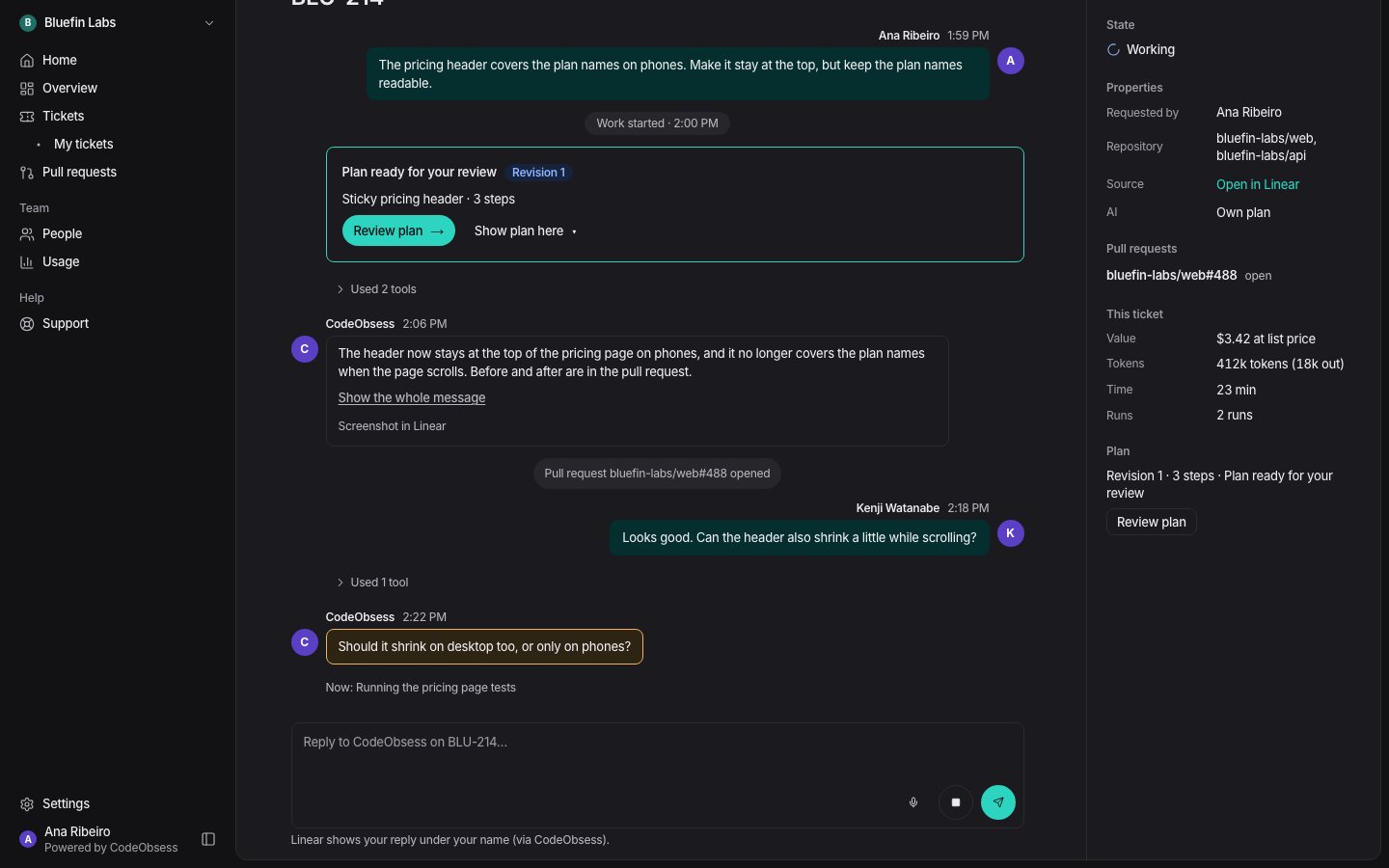
- On the ticket’s page in CodeObsess, the plan card says Plan ready for your review. Press Review plan.
- In Linear, the plan’s link is in the ticket’s links.
Comment on any part
- Press Comment on any section or step, or select text and comment on it.
- Your comments collect in Your comments, where you can edit or remove them before sending.
- Request changes sends all your comments to CodeObsess as one note. It revises the plan.