Add someone
- Open People.
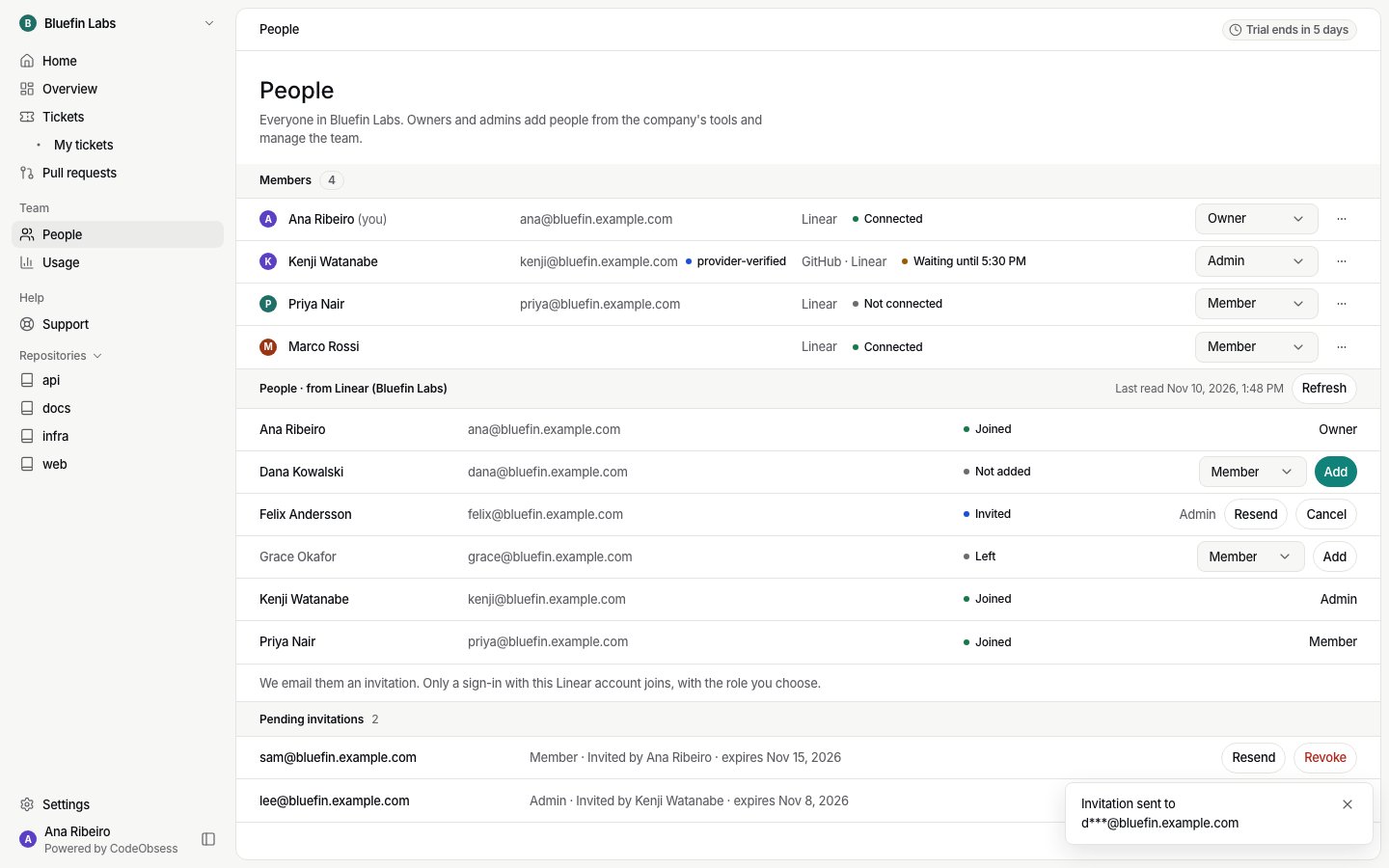
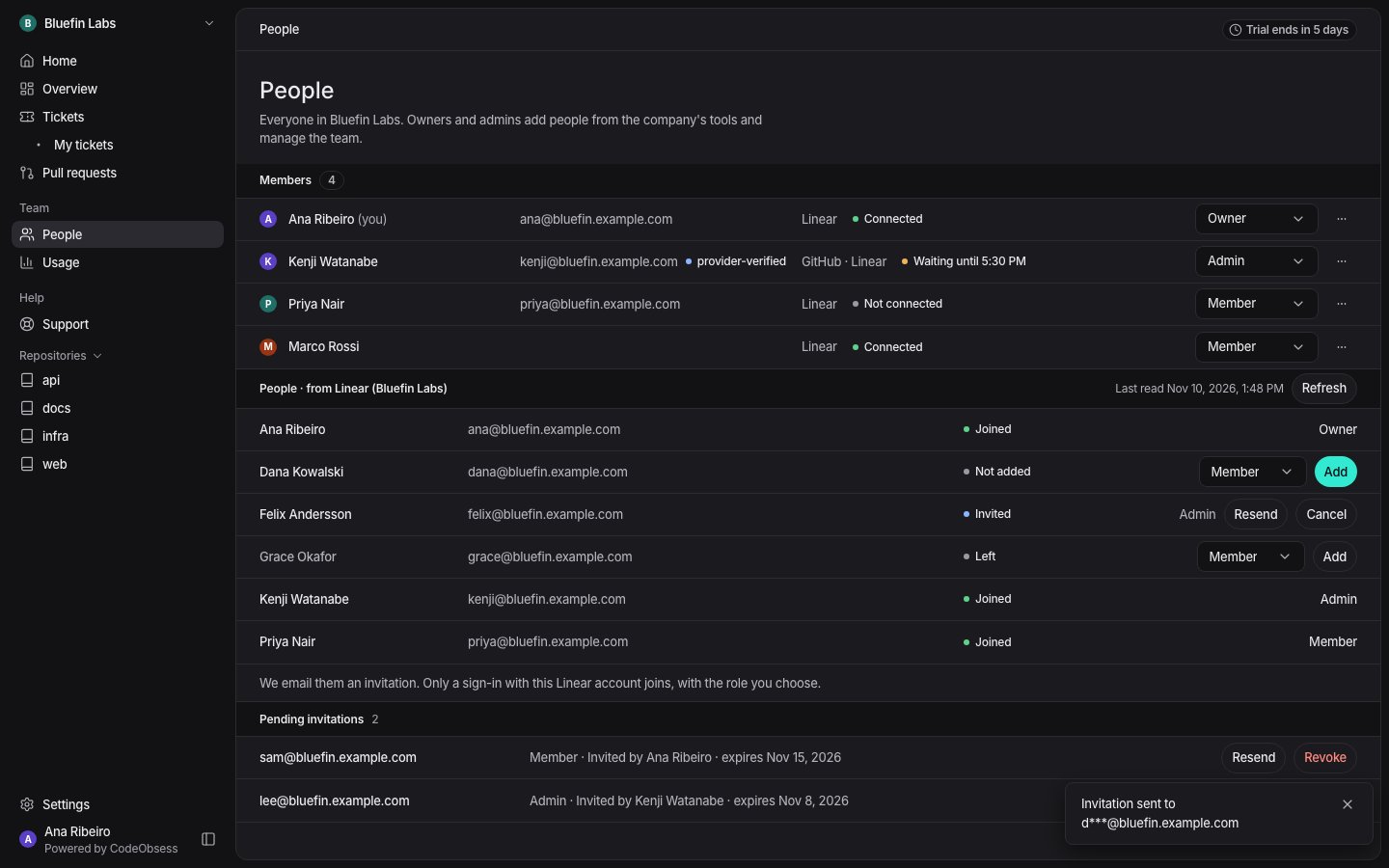
- In People · from your tool, find the person. Choose their role and press Add.
- CodeObsess makes an invitation bound to that person’s account in your tool. Only a sign-in with that account joins, with the role you chose.
Pending invitations
Pending invitations shows open invitations, who sent them and when they expire.- Resend sends a new link. The old link stops working.
- Revoke (or Cancel) stops the link at once.
Limits
- An invitation lasts 7 days and works once.
- A company can send up to 50 invitations a day, and each person up to 10 an hour.
- An invitation stops working if the person who sent it loses the right to give that role.