Where to report
- On an error screen, press Report a problem.
- Any time, open Help › Support and press Report a problem.
Send a report
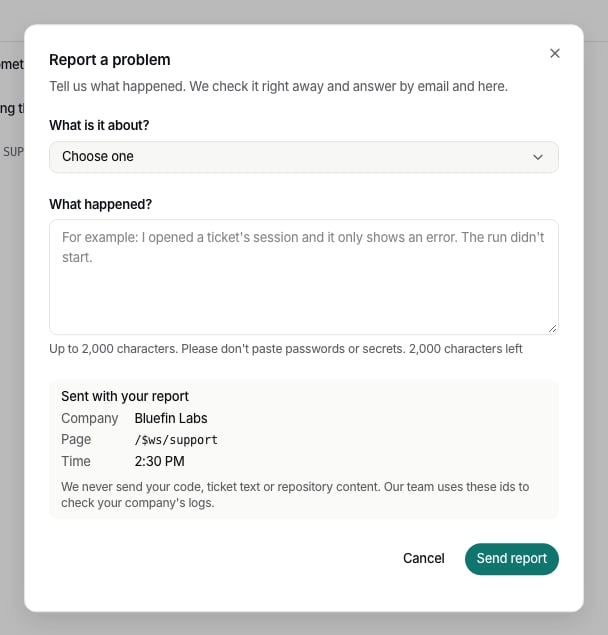
- Choose What is it about?: Tickets and runs, Pull requests, Sign-in, Onboarding, GitHub, Jira, Bitbucket, Linear, Billing and hours, Website, Settings and people, or Something else.
- Write What happened? in up to 2,000 characters. Please don’t paste passwords or secrets.
- Press Send report.
What we receive
With your words, the report sends a fixed set of ids, shown under Sent with your report:- your company,
- the page you were on,
- the error id, if there was an error,
- the time.